The wheel
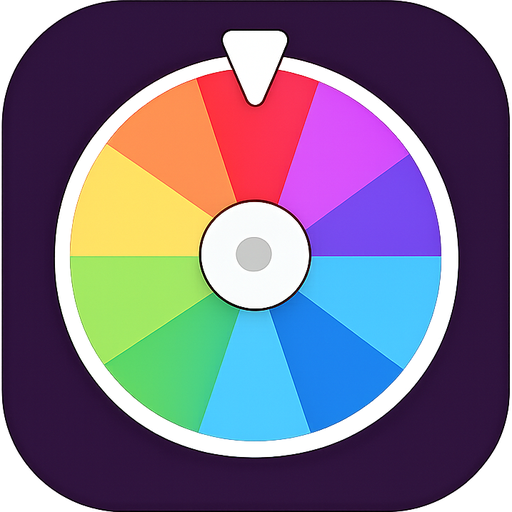
Spin to randomly assign a task. Only players with spin permission (or admins) can spin. Depending on the event settings, the wheel can:
- Pick a random task from the list
- Pick a random task and a random player to complete it
Dares, done together
Spin the wheel, get a dare, prove it happened.
Taskey turns any hangout into a game. Create an event, invite friends with a join code, and spin a wheel to get assigned fun tasks and dares. Tasks can be self-reported, require a typed answer, or require photo proof — with rewards for pulling it off and consequences for chickening out. A shared event photo album keeps every moment in one place, and admin/permission controls keep the chaos organized.
Spin, get a task, pull it off (or don't). Here's how an event works from first sign-in to the last dare.
Enter your email address and we'll send you a 6-digit code. No password needed.
Tap "Create", give it a name like Game Night or Road Trip, and choose who can spin the wheel and add tasks.
Share the 12-character event code. Friends tap "Join", enter it, and can play straight away.
Spin to randomly assign a task. Only players with spin permission (or admins) can spin. Depending on the event settings, the wheel can:
Each task has a completion type, and can carry a reward for success, a consequence for failure, and a hidden photo that's only revealed when the task is completed.
The History tab tracks every spin under Pending, Succeeded, or Failed. Tap a pending task to complete it. For photo and text submissions, an admin can approve or reject the attempt.
If the host has enabled it, everyone in the event can upload photos to a shared gallery that all players can see.
The event creator is automatically the admin. Admins manage players, change settings, and review submissions. Two settings control the rest:
Tasks, history, and photos are only visible to people inside the event.
Still stuck, or found a bug? Email us and mention you're using Taskey.
Go to Settings → Account → Delete Account inside the app. This permanently removes your account, your profile, and your sign-in details. You can also email support and we'll delete it for you.